Brand kit

Alodium brand guidelines

The Alodium mark, name, colours and files, ready to download. Use the files as they are.

Name

Alodium

The name is Inter, weight 560, tracking −0.055em. Set it in that face beside the mark.

Color

  • Ink#111111The mark on a light field.
  • Paper#FFFFFFLight field.
  • Dark#151617Dark field.
  • Mark on dark#F4F4F5The mark on a dark field.
  • Interface#4F74F2Controls only. It stays out of the mark.

Files

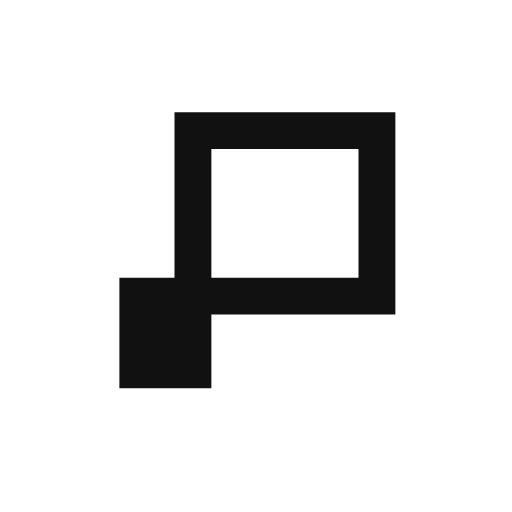
Alodium mark on white

Symbol

The mark alone, for interfaces.

SVGPNG

Alodium mark on dark

Symbol on dark

Square field, #151617.

SVG

Alodium token mark on white

Token, light

Circle, 512. Corners are transparent.
SVGPNG

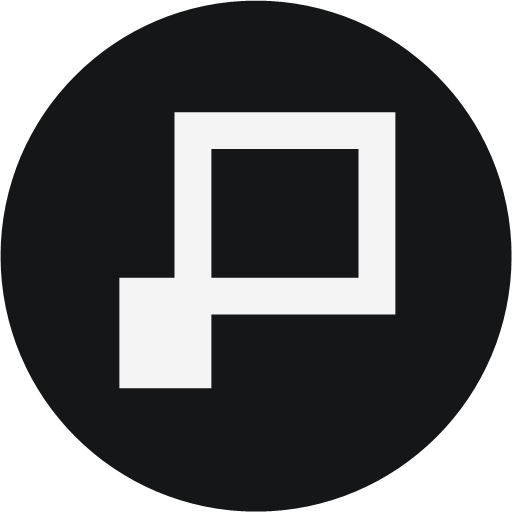
Alodium token mark on dark

Token, dark

Circle, 512. Corners are transparent.
SVGPNG

Alodium badge on white

Badge, light

Rounded square, 512.

SVGPNG

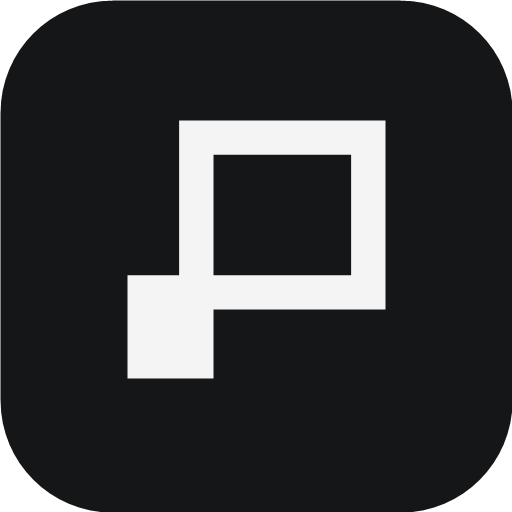
Alodium badge on dark

Badge, dark

Rounded square, 512.

SVGPNG

Alodium avatar on white

Avatar, light

512 square, drawn for a circular crop.

SVGPNG

Alodium avatar on dark

Avatar, dark

512 square, drawn for a circular crop.

SVGPNG

Banners

1500 × 500. The lockup sits in the center, clear of a profile photo on the left.

Alodium banner on white
LightPNG
Alodium banner on dark
DarkPNG

How to use it

  • Keep the foot of the mark inside the frame, with clear space around it at least as wide as the inner window.
  • A circle or a rounded square is a container. The mark inside stays the same.
  • Profile photos use the avatar files. They are drawn to fill a circular crop.
  • The artwork is the mark and the name. The ticker stays in a caption.